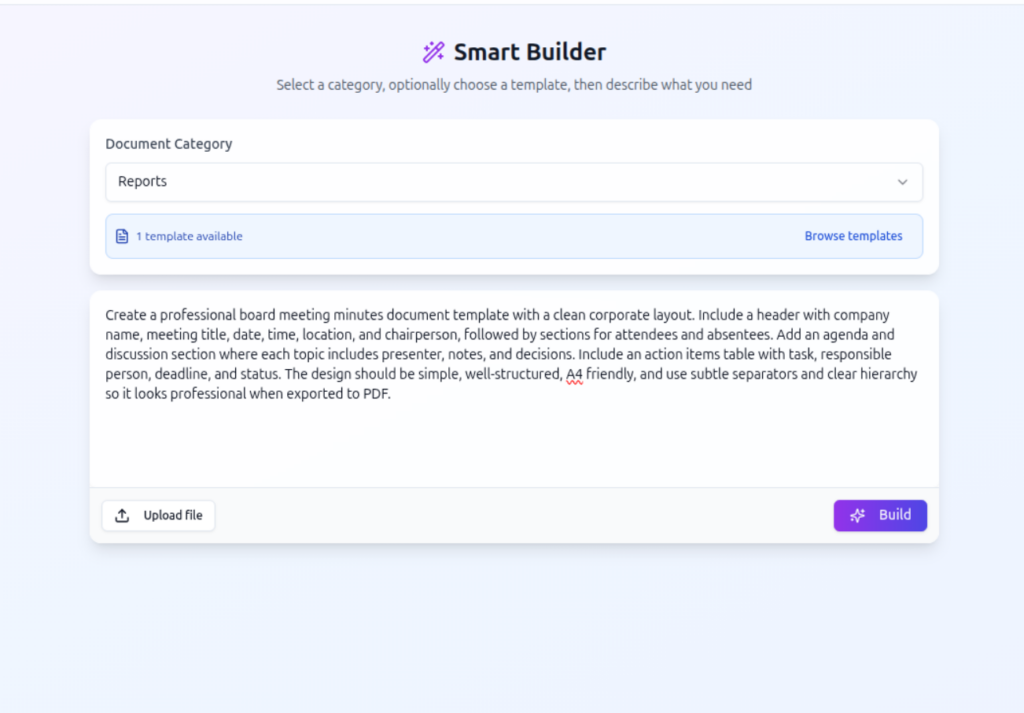

Introduction to Converting PDFs into Editable AI Templates
In 2026, document automation has leapt forward, enabling users to convert legacy and static PDFs into powerful, editable AI templates swiftly and efficiently. This transformation hinges on agentic parsing technology that extracts structured content, making it possible to reuse and customize documents dynamically.
The 2026 Trend: Dynamic Documents from Static PDFs
Legacy PDFs are commonly static and difficult to edit or repurpose without rebuilding from scratch. The new approach uses AI-powered parsing agents integrated within platforms like DocMiral’s TARS AI, which analyze document structure, extract text and data, and propose dynamic elements for personalization.
Step-by-Step Process to Convert PDFs into AI Templates
1. Upload PDF to TARS AI Chat Interface
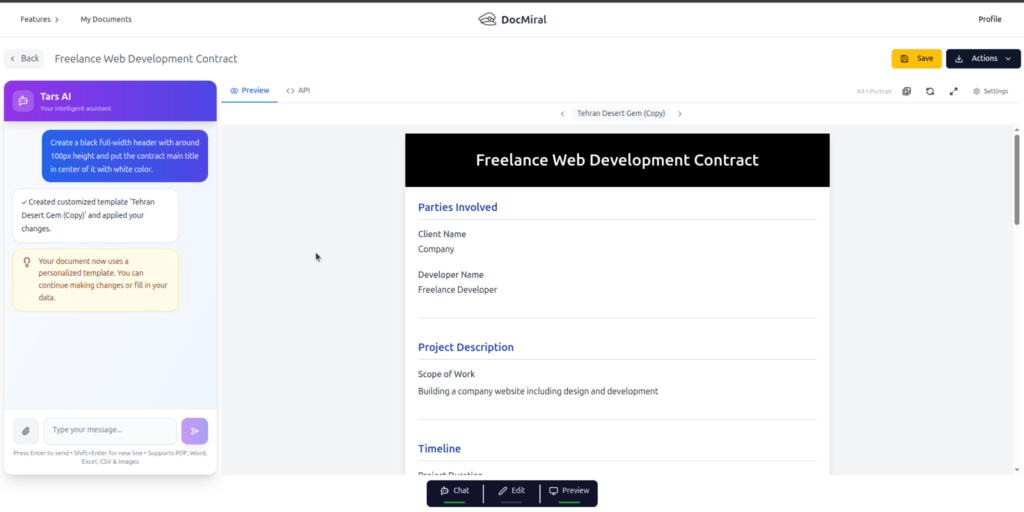
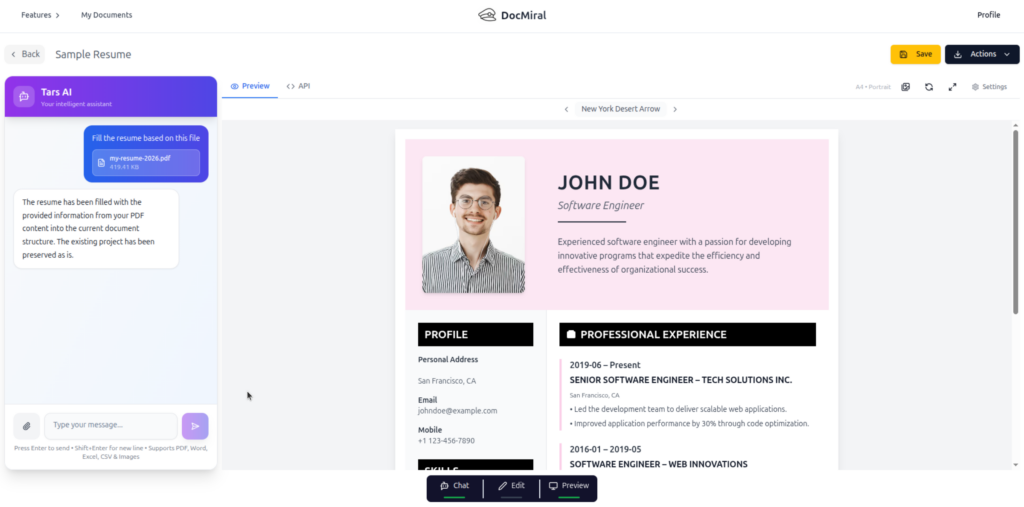
Begin by uploading your PDF document directly into the TARS AI chat. The interface is designed to accept PDF files seamlessly, providing a conversational environment where users interact with the AI to process the document.
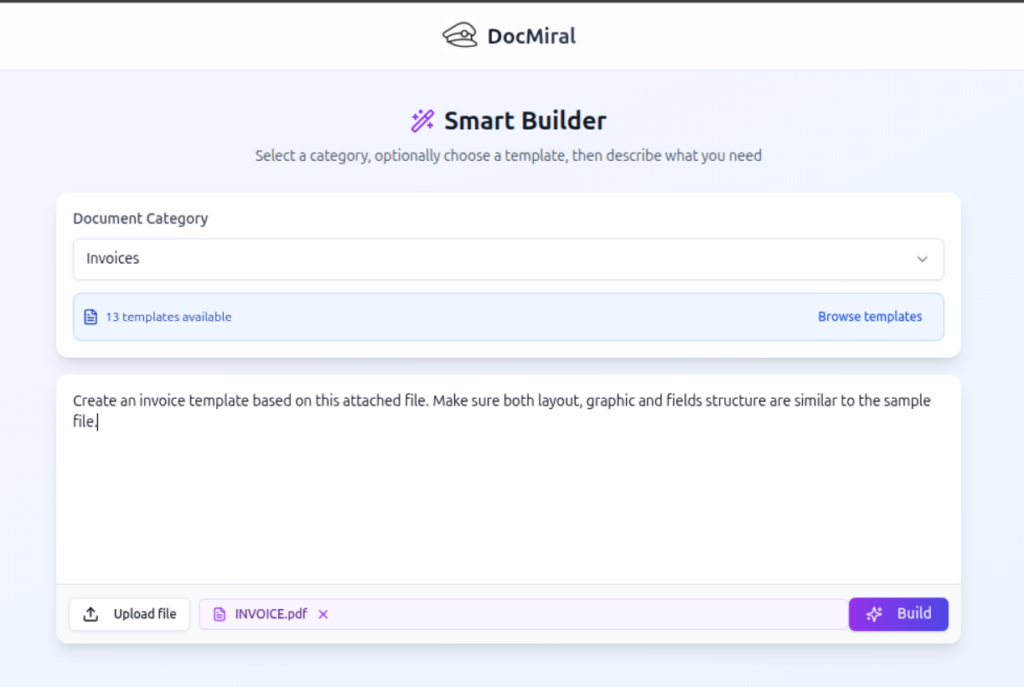
2. Extract Text and Structured Data
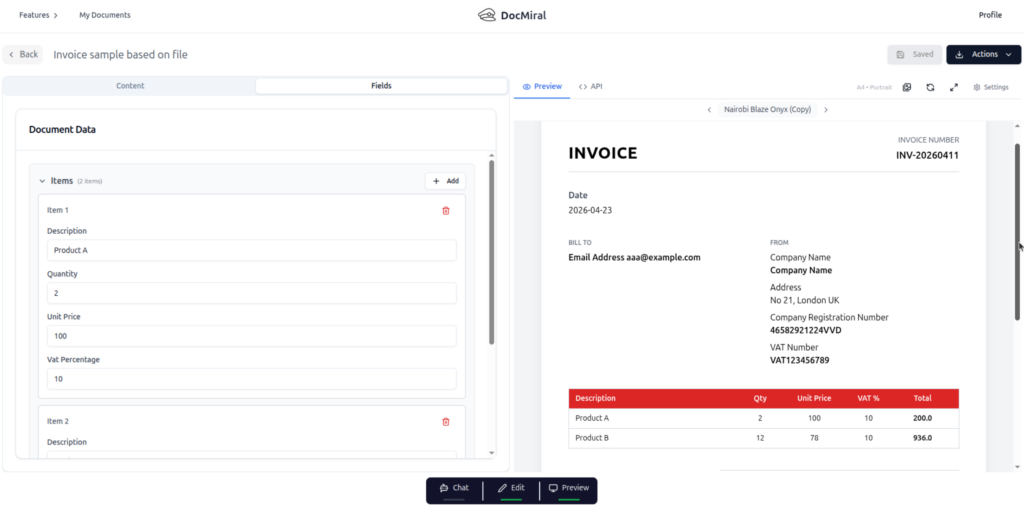
The agentic parser behind TARS AI automatically extracts text and key data from the document. For example, resumes, invoices, or reports will have distinct fields identified, ranging from personal details to itemized billing data.
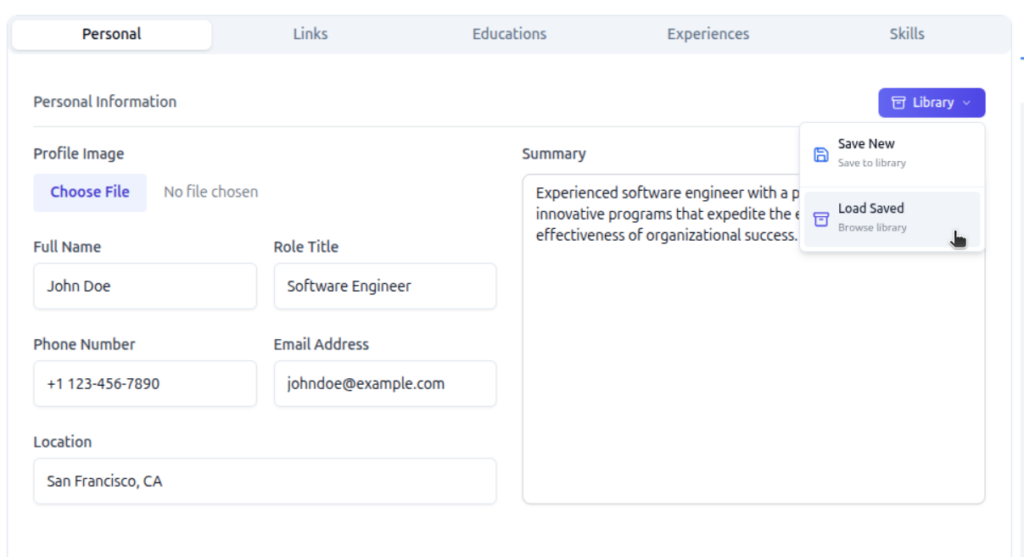
3. Suggest MiniApps and Input Structures
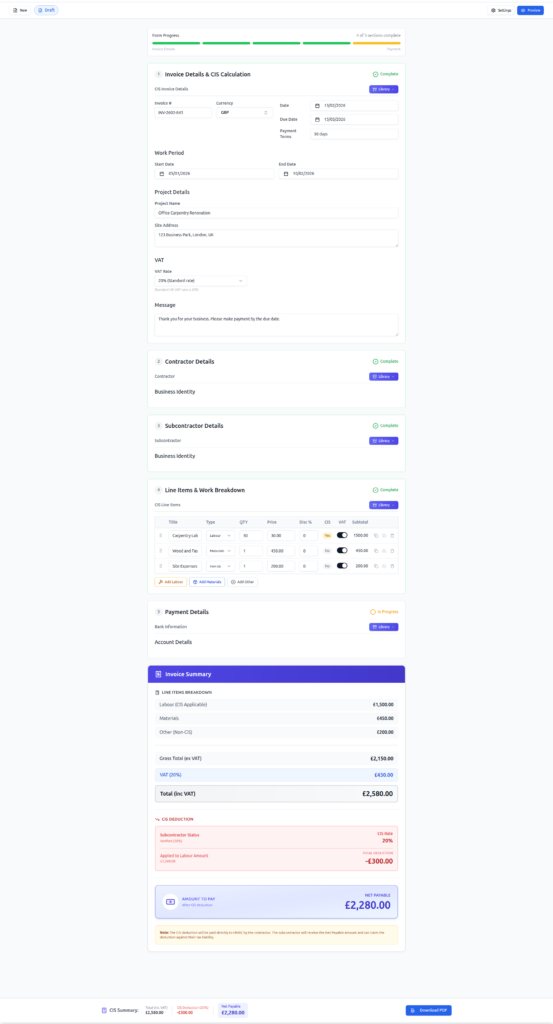
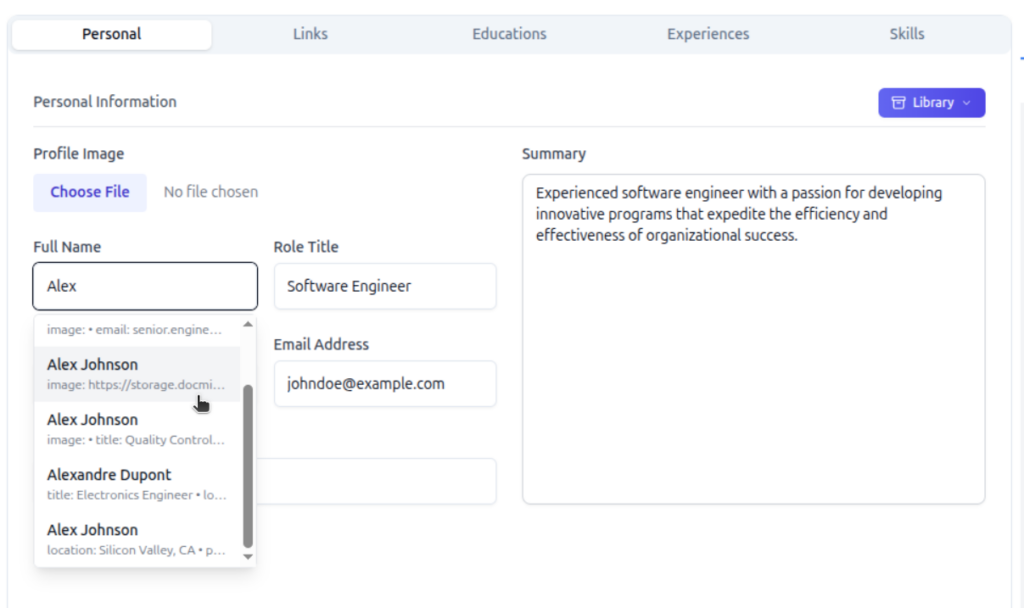
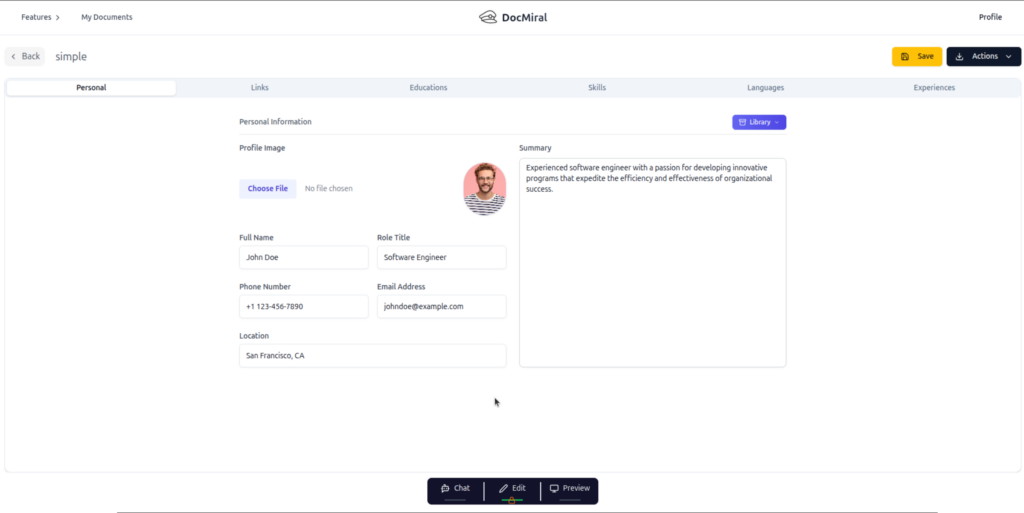
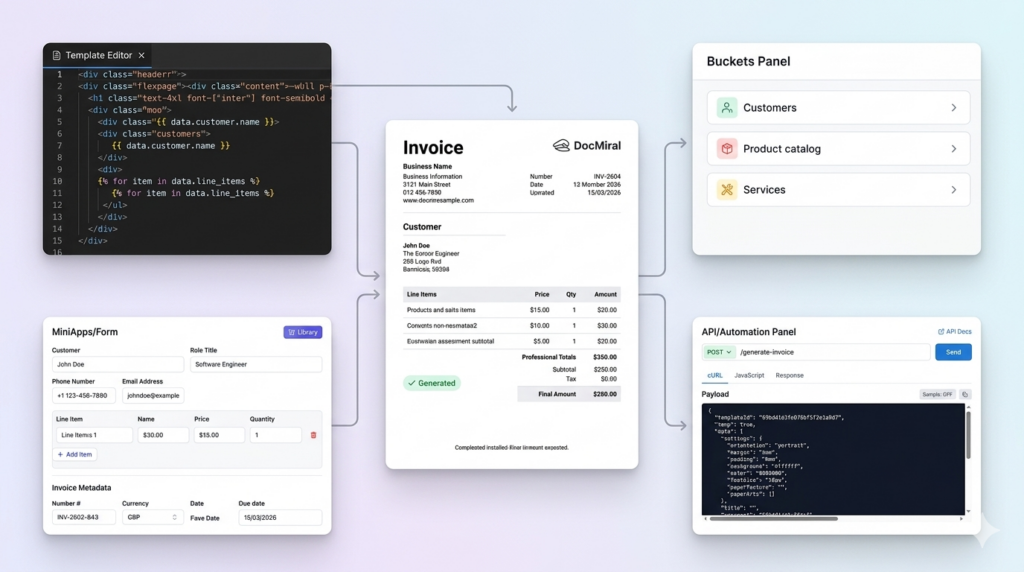
Based on the extracted content, TARS AI recommends relevant MiniApps for structured input collection—such as personal info fields for resumes or line item tables for invoices. This modular input design creates a user-friendly form system within the template.
4. Generate or Clone Template with Variables
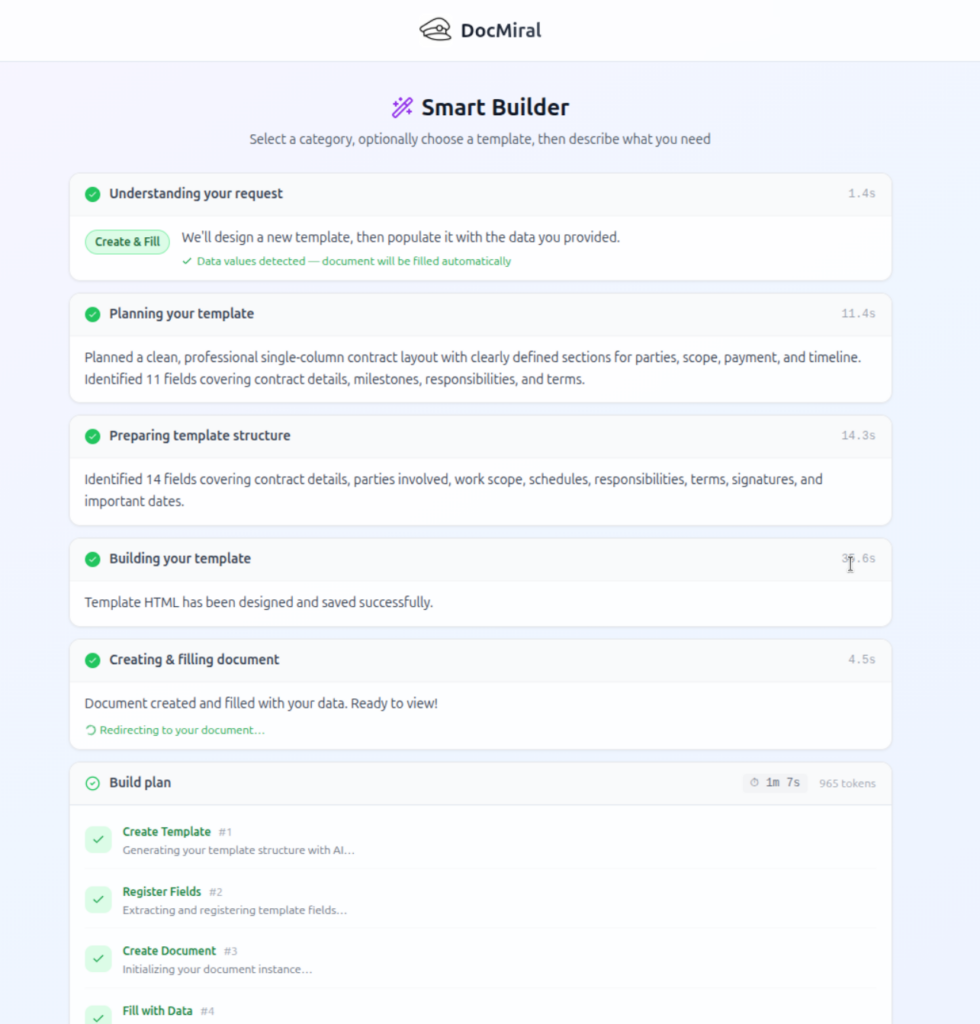
Once the data schema is set, the system generates a new template or clones the existing structure, replacing static text with editable variables. These variables link back to MiniApp inputs or Buckets for reusable data sources, allowing customization for different use cases.
5. Edit and Refine in DocMiral Studio
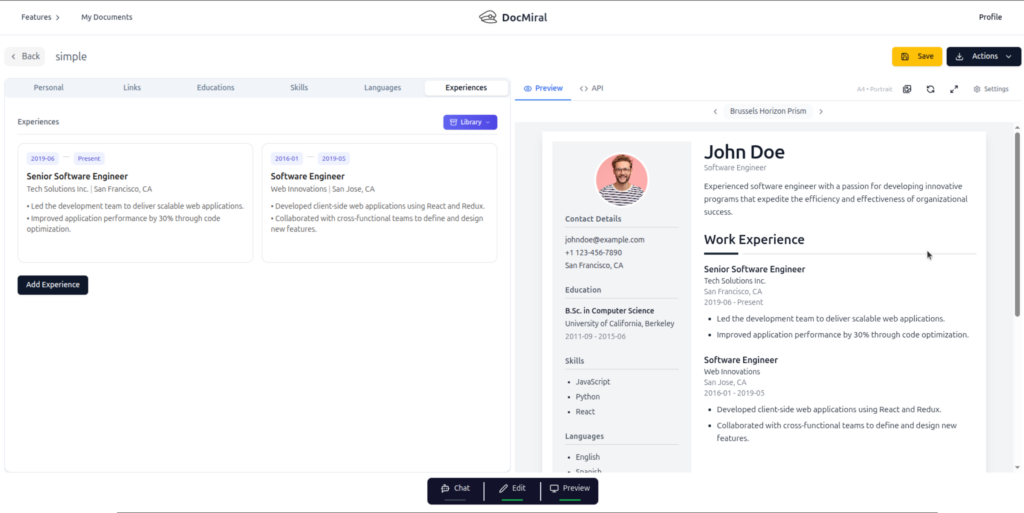
The newly created template opens in DocMiral’s Template Studio, where you can refine layout, adjust variable bindings, and add TailwindCSS styling. Studio supports flexible pages to accommodate variable content length dynamically, especially useful for sections like experience entries on resumes or multi-line invoice descriptions.
Specialized Parsing Endpoints for Popular Document Types
DocMiral enhances AI parsing with document-specific endpoints, such as:
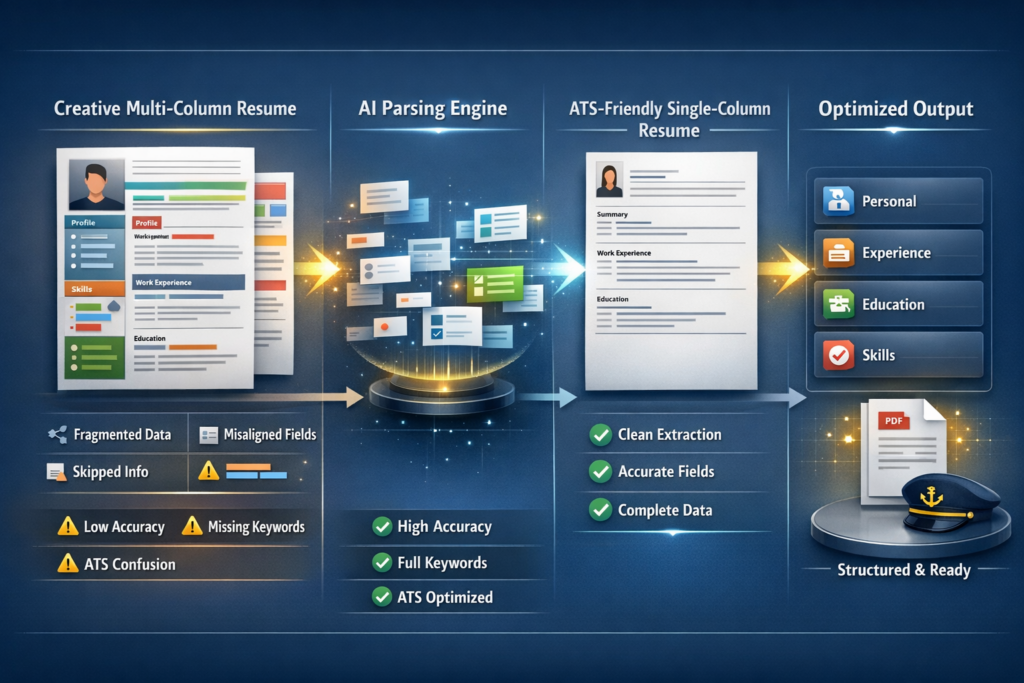
- Resume/CV Parsing: Extracts personal info, education, experience, and skills with an ATS-friendly structure.
- Invoice Extraction: Detects invoice number, dates, line items, totals, and vendor information automatically.
This specialization increases accuracy and speeds up the template creation process.
Before and After: Static PDFs Versus Dynamic AI Templates
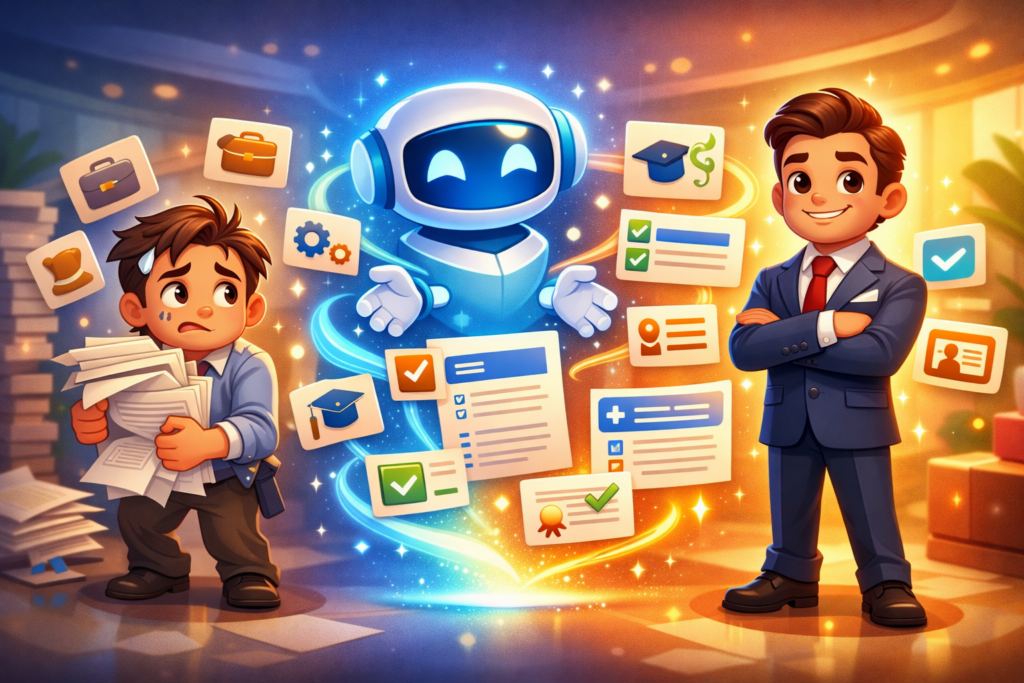
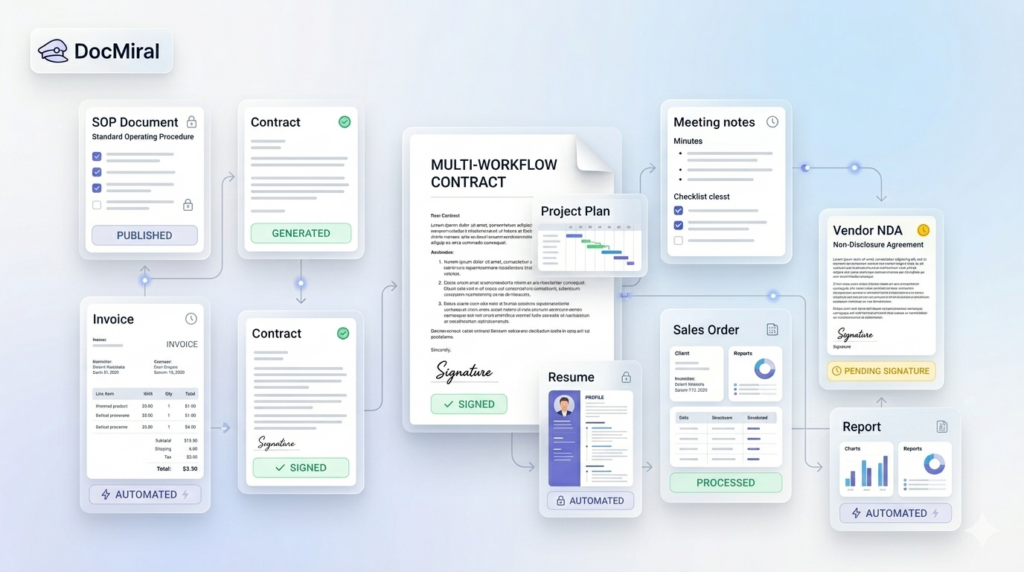
Traditional PDFs are locked documents offering no flexibility. After transformation, the AI-powered template becomes an interactive document that updates dynamically based on inputs. This shift allows for automation of generation, reusable content libraries, and integration into workflows.
Live Preview and Continuous Improvement
During editing in Studio and generation phases, users can preview live changes reflecting variable substitutions. This iterative feedback loop enables rapid fine-tuning of templates and input forms to fit exact requirements.
Take Action: Start Your Document Transformation Today
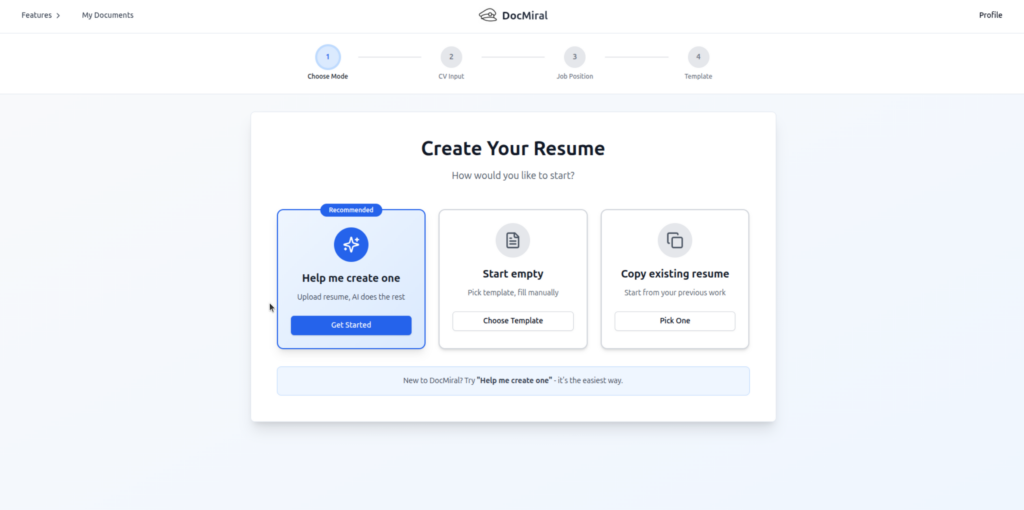
Ready to revolutionize your document workflow? Start by visiting the Entity Builder chat on DocMiral to upload your PDF and begin converting it into a fully editable AI template in minutes.
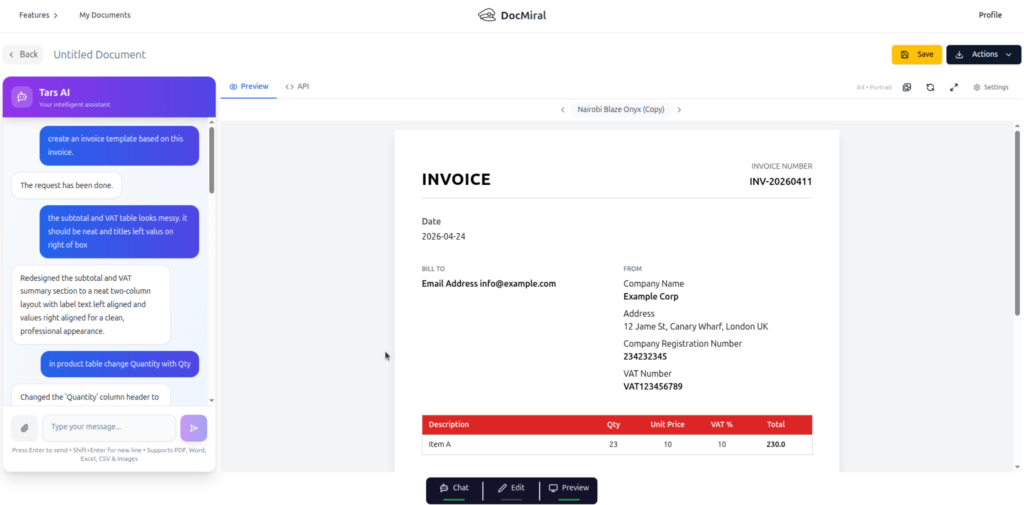
This new paradigm removes barriers between static documents and automated, personalized communications. With this guide and DocMiral’s tools, your document processes become more agile, scalable, and intelligent.
Summary
- Upload PDFs to TARS AI chat to extract text and data using agentic parsing.
- Receive MiniApps suggestions to structure input data intelligently.
- Generate editable templates with dynamic variables and flexible content pages.
- Refine templates in DocMiral Studio with live preview to perfect layouts.
- Leverage specialized parsing endpoints for resumes and invoices for precise data extraction.
Start turning static PDFs into dynamic AI templates with DocMiral’s innovative 2026 workflow.