
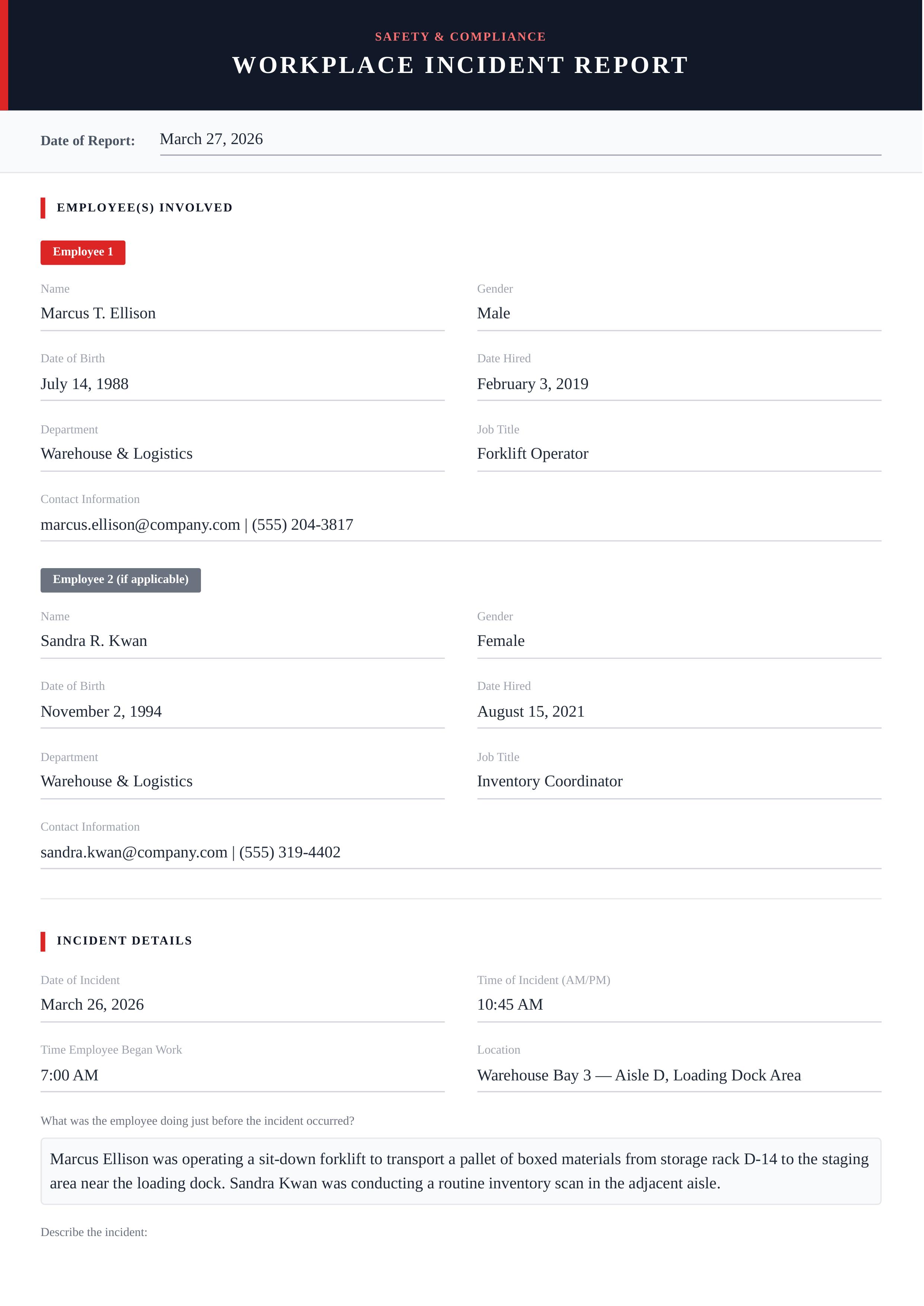
Iron Crest Incident
The Iron Crest Incident template features a bold charcoal header with a signature red accent bar, clean sectioned layout, and professional typography. Key elements include the 'Workplace Incident Report' title, employee information grid, incident details form, injuries section, and authorization block — all designed for HR and safety compliance teams. Customizable fields include employee names, genders, dates of birth and hire, departments, job titles, contact information, incident date and time, location, activity descriptions, injury details, harmful substances, witness information, corrective actions, and supervisor sign-off. The template uses a high-contrast red-and-charcoal design language that conveys urgency and professionalism, making it suitable for manufacturing plants, construction sites, office environments, and any workplace requiring OSHA-compliant incident documentation. Docmiral's editor makes it effortless to fill in all incident fields, export to PDF in seconds, and share with HR or management — no design skills required.
Use This Template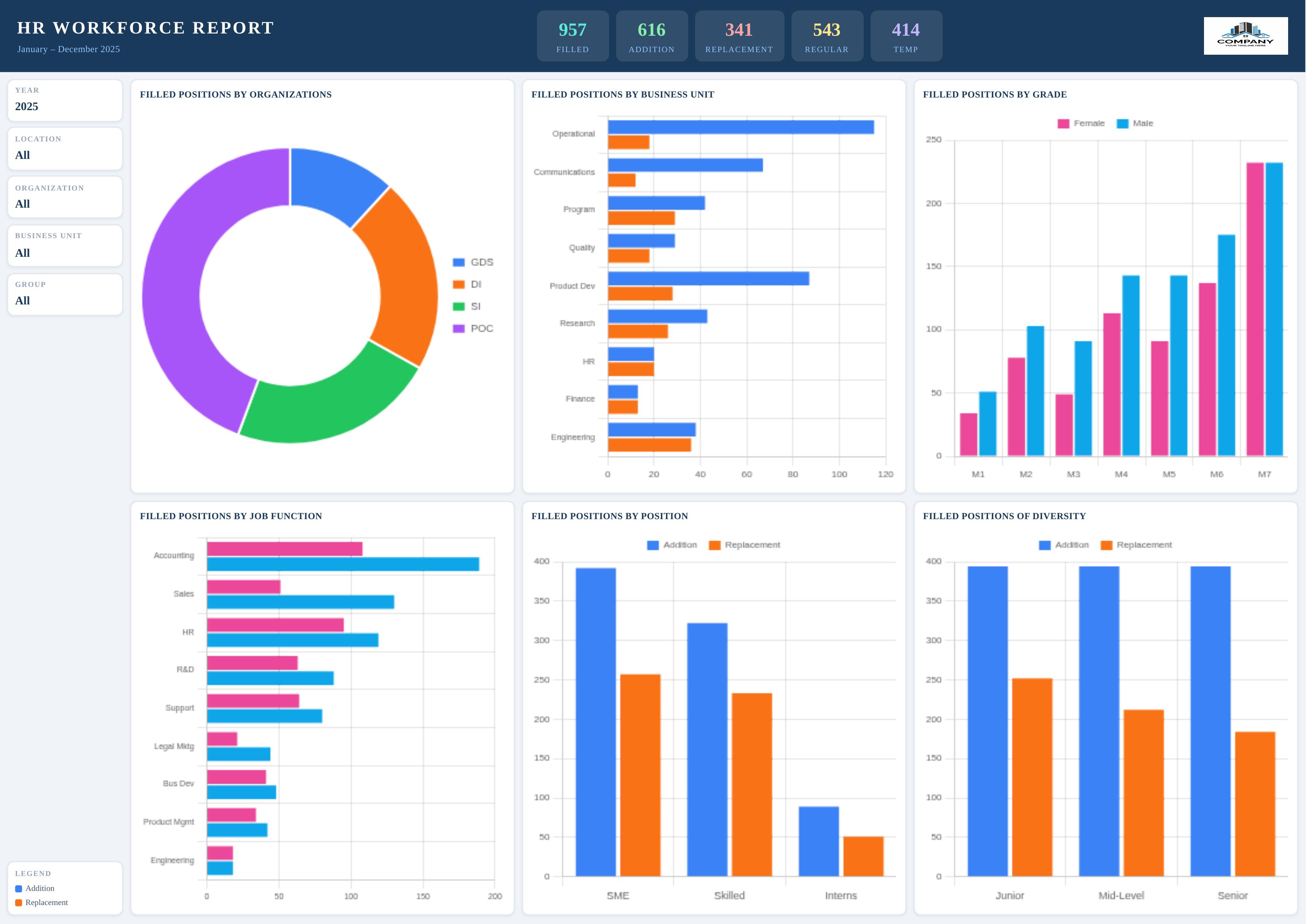
Cobalt Pulse Workforce
The Cobalt Pulse Workforce template features a sleek navy-and-white HR analytics dashboard layout with a bold header bar, five key performance indicator (KPI) cards, and six interactive charts for deep workforce insights. Users can customize all KPI metrics (Filled, Addition, Replacement, Regular, Temp counts), filter context fields (Year, Location, Organization, Business Unit, Group), and six Chart.js charts including doughnut and bar chart visualizations of positions by organization, business unit, grade, job function, position level, and diversity. The template suits HR departments, talent acquisition teams, and workforce planners needing a polished, data-driven report. Its landscape layout maximizes chart real estate for executive-level presentations. Create your custom HR report in minutes using Docmiral's intuitive editor — fill in your numbers, upload your company logo, and export a professional PDF or image ready for stakeholders.
Use This Template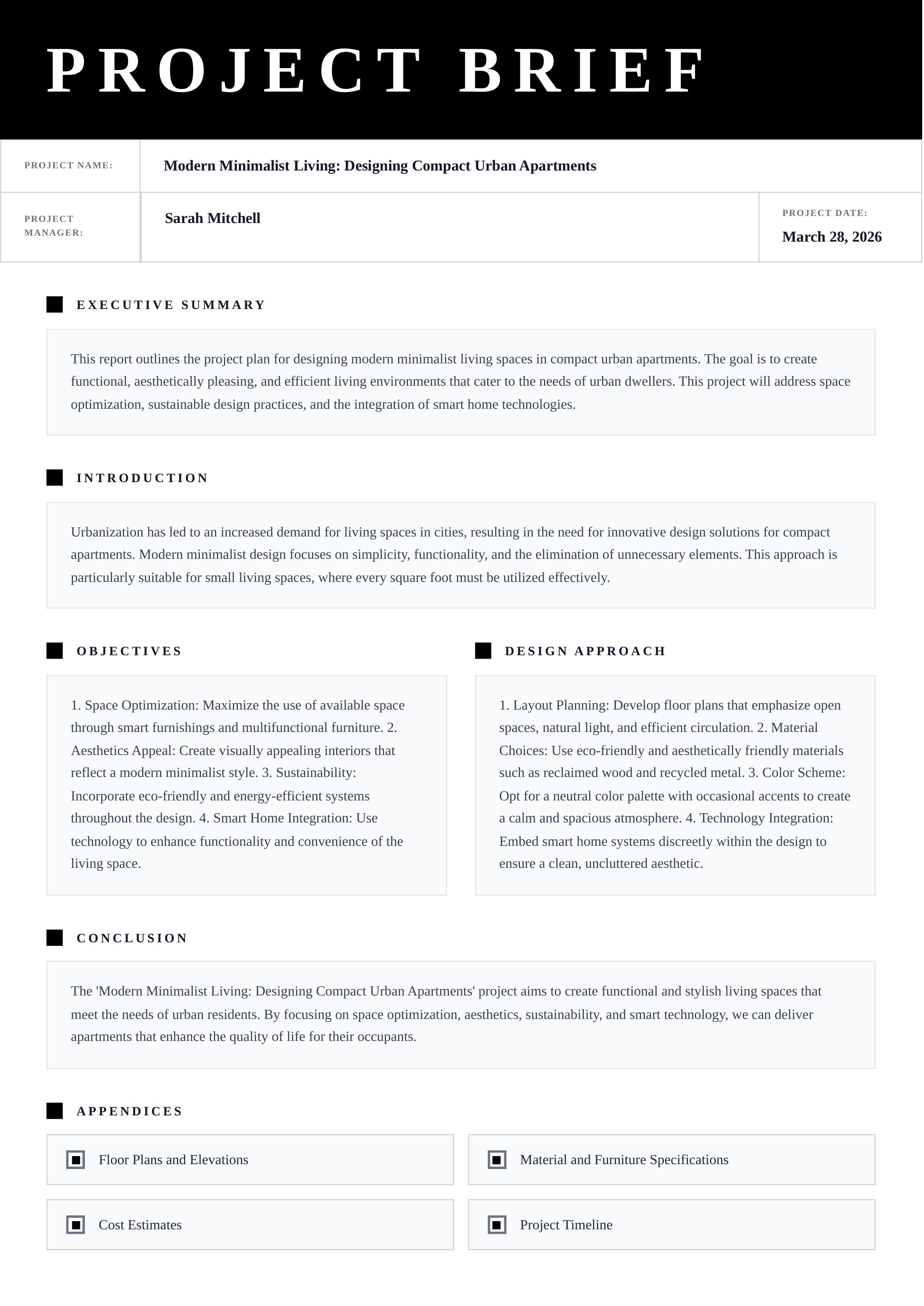
Noir Brief Metro
The Noir Brief Metro template features a bold black-and-white design with a striking full-width header, structured field rows, and clearly delineated sections for every stage of a project brief. Customize all key fields including project name, manager, date, executive summary, introduction, objectives, design approach, conclusion, and appendices — all fully editable via the Docmiral editor. The clean monochromatic style and two-column layout for objectives and design approach make this template ideal for architectural firms, design agencies, product teams, and corporate project managers. With Docmiral's easy-to-use editor, you can fill in your content, export to PDF instantly, and share professional project briefs with clients and stakeholders in minutes.
Use This Template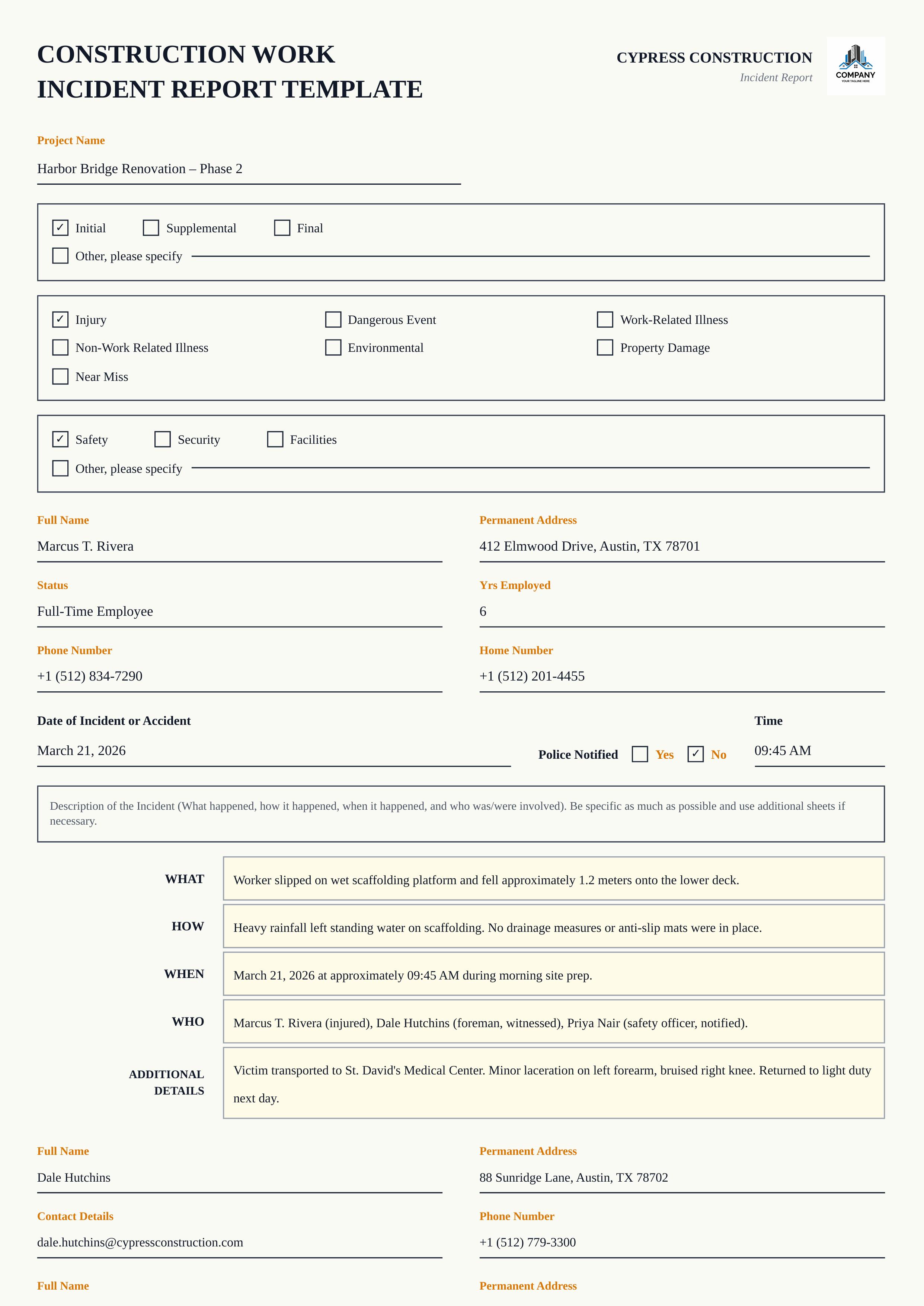
Steel Hawk Incident
The Steel Hawk Incident report template features a clean, professional layout designed for construction sites and facility management teams. With an off-white background, amber accent labels, bordered checkbox sections, and yellow-highlighted incident description rows, it delivers a polished and structured appearance suited for safety reporting. Customize every field — report type (Initial, Supplemental, Final), incident category, department, employee details, date and time, and full incident description across WHAT, HOW, WHEN, WHO, and Additional Details sections. Visual characteristics include multi-column form fields with underline inputs, checkbox groups for classification, and a distinctive amber-on-white color scheme. Ideal for construction companies, facility managers, safety officers, and compliance teams. Powered by the Docmiral editor, this template is easy to fill out, share, and export to PDF — no design skills required.
Use This Template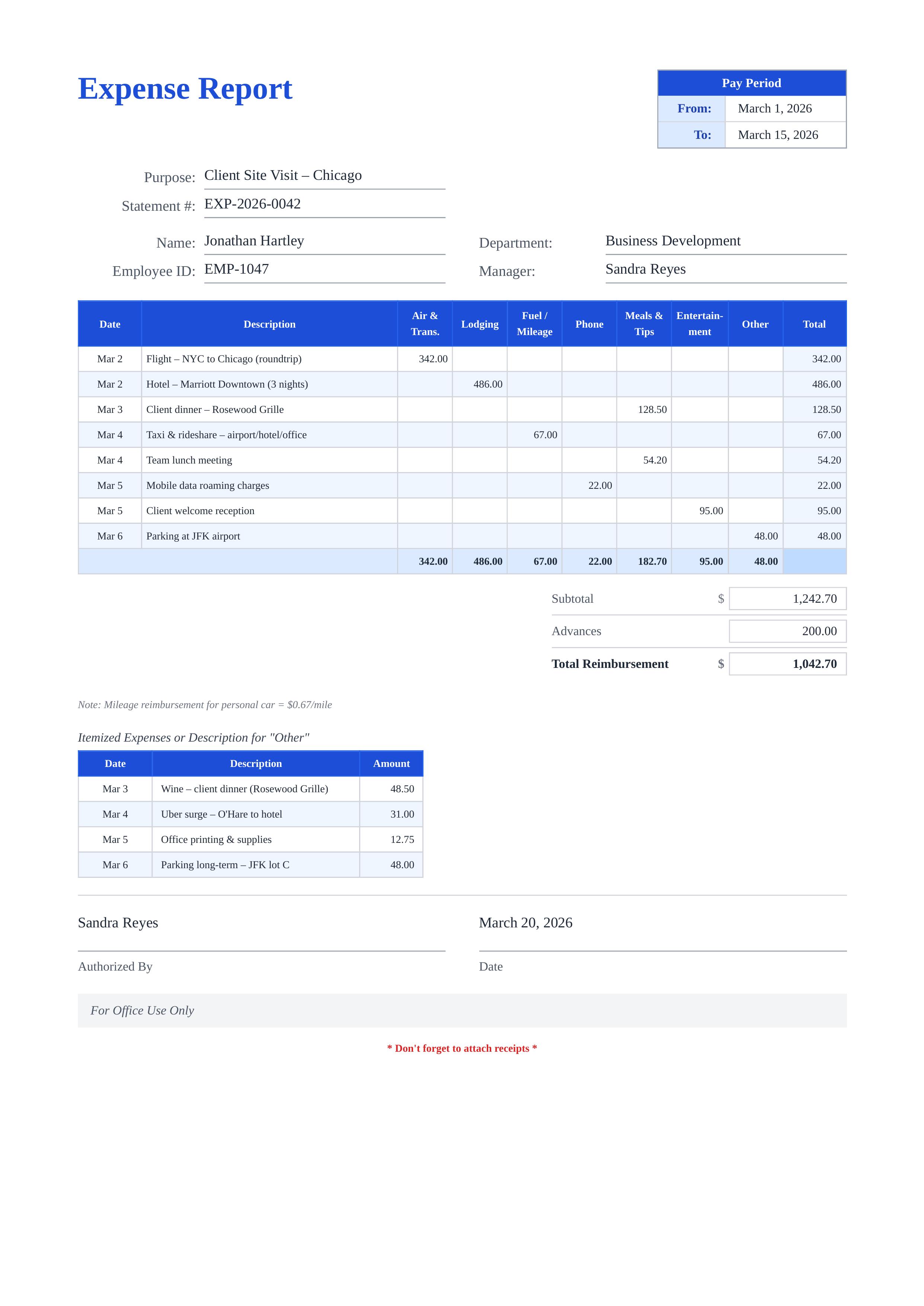
Azure Wave Expense
The Azure Wave Expense template features a clean, professional design with a distinctive blue header scheme. It includes organized sections for pay period, employee information, and a comprehensive multi-category expense table. Users can fully customize employee name, department, manager, statement number, pay period dates, and all expense line items including air transportation, lodging, fuel mileage, phone, meals, entertainment, and other expenses. With its structured layout and automatic subtotal and reimbursement fields, this template is ideal for corporate expense submissions, travel reimbursement requests, project cost tracking, and business travel reporting. Using Docmiral's easy editor, you can fill out your expense report in minutes, download it as a polished PDF, and submit it for approval — no design skills required.
Use This Template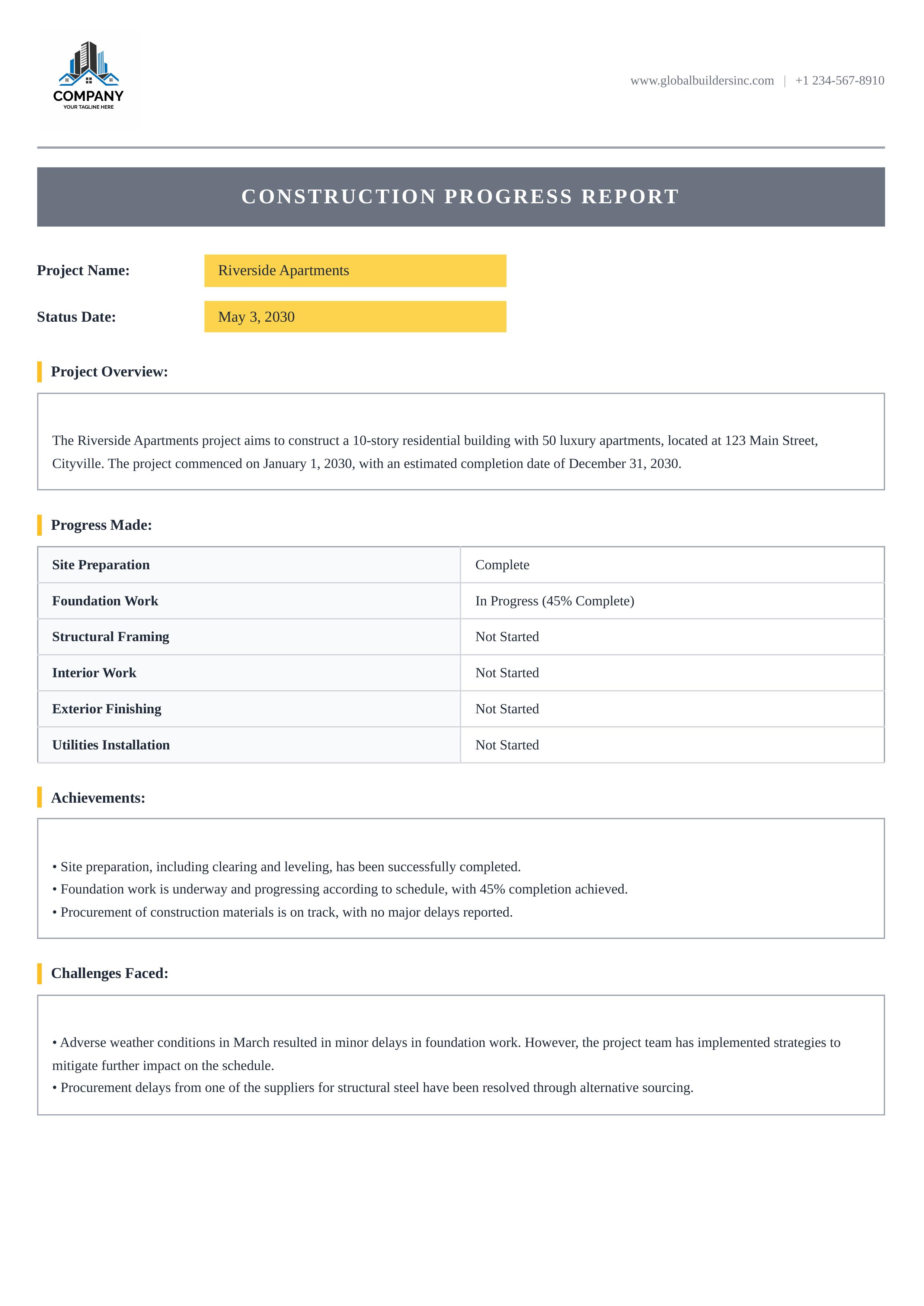
Steel Frame Progress
The Steel Frame Progress template features a clean professional layout with a charcoal title banner, amber-highlighted project fields, and structured sections — ideal for tracking construction project progress. Customize every aspect: company logo, contact details, project name, status date, and all report sections including overview, progress milestones, achievements, and challenges faced. The structured two-column progress table provides a clear snapshot of each milestone's completion status, while bordered text sections keep achievements and challenges organized and easy to read. With Docmiral's intuitive editor, fill in your project details, upload your company logo, and export a polished PDF report ready for stakeholder distribution — no design skills needed.
Use This Template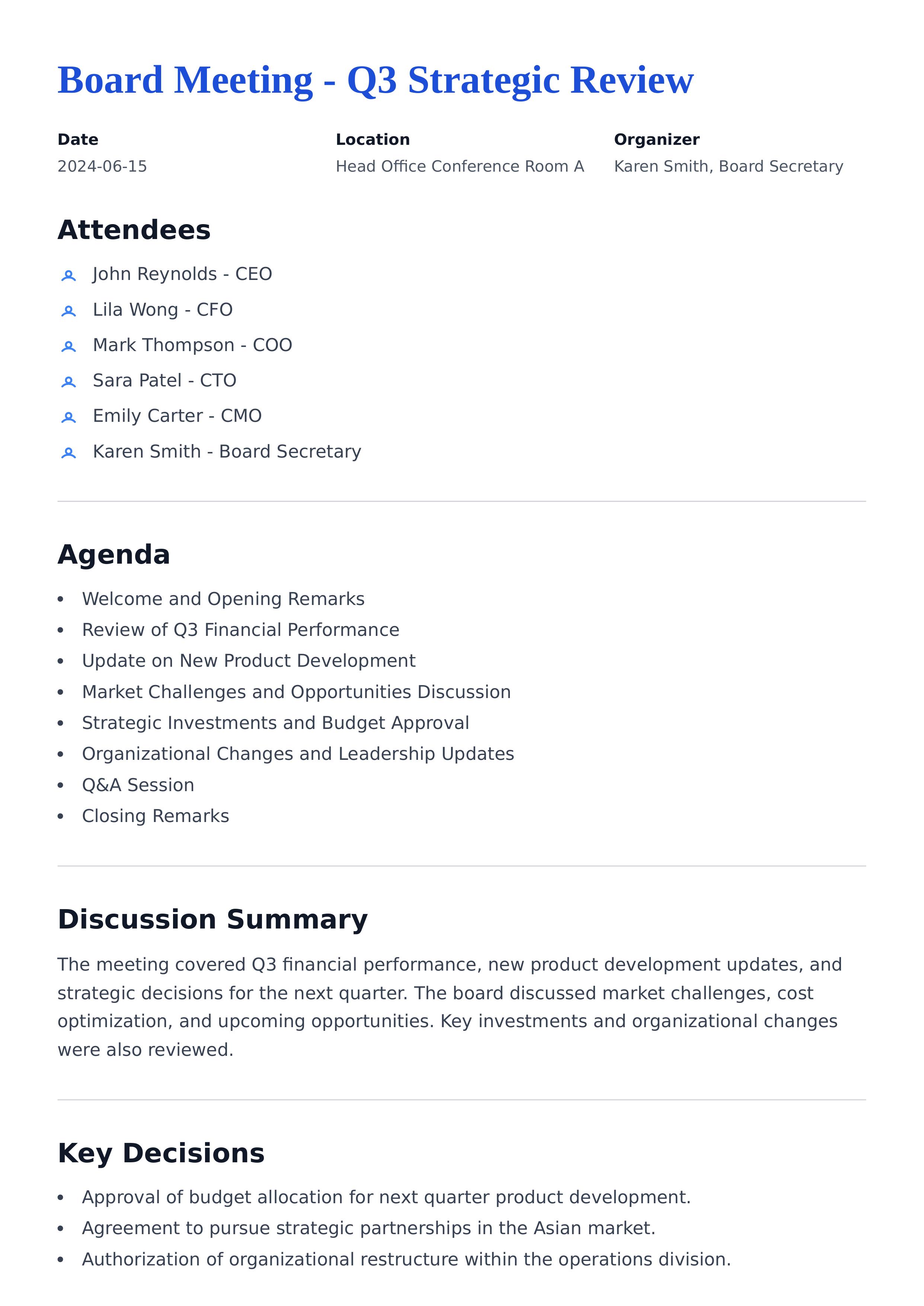
Meeting Minutes - 2234
This Meeting Minutes report template helps you systematically record and organize all key aspects of your meetings. It includes editable sections for the document title, meeting date, location, and organizer to capture essential metadata. You can easily list attendees, outline the meeting agenda, and summarize discussions using rich editor inputs. The template also features sections for recording key decisions and action items with details such as task, owner, deadline, and current status. This structure ensures every meeting is well documented for future reference. Our user-friendly editor allows you to quickly adjust and customize each section to fit your specific needs. Whether you are managing team meetings, client discussions, or project updates, this template provides a clear, professional layout that makes documenting and sharing meeting outcomes effortless.
Use This Template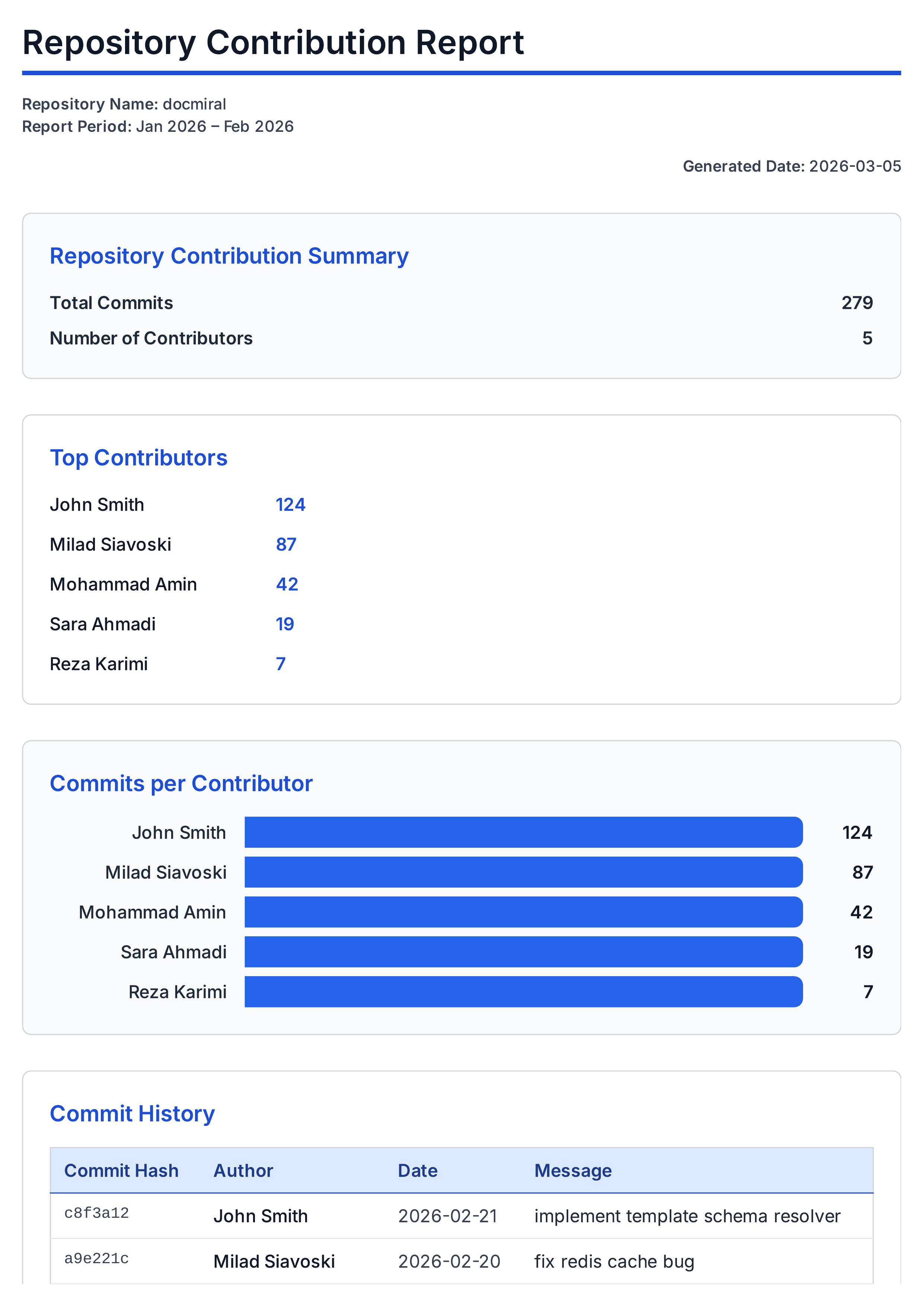
Sydney River Quartz
This Git Contribution Reports template helps you generate detailed insights into your repository activities. It includes editable fields for report title, repository name, report period, and the generated date. The template provides clear sections for total commits and number of contributors, showcasing the key metrics of repository involvement. It displays a list of top contributors along with their commit counts, helping you acknowledge major contributors at a glance. Visualize contributions through commits per contributor charts to better understand participation distribution. The commit history section offers a detailed table view of commit hashes, authors, dates, and messages, enabling thorough tracking of changes. Additionally, file change statistics present lines added, lines removed, and file paths to give you an overview of codebase modifications. Every part of this report is fully customizable using our user-friendly editor. You can easily adjust settings, update content, and personalize the design to match your needs, making this template a flexible tool for generating professional Git reports.
Use This Template