
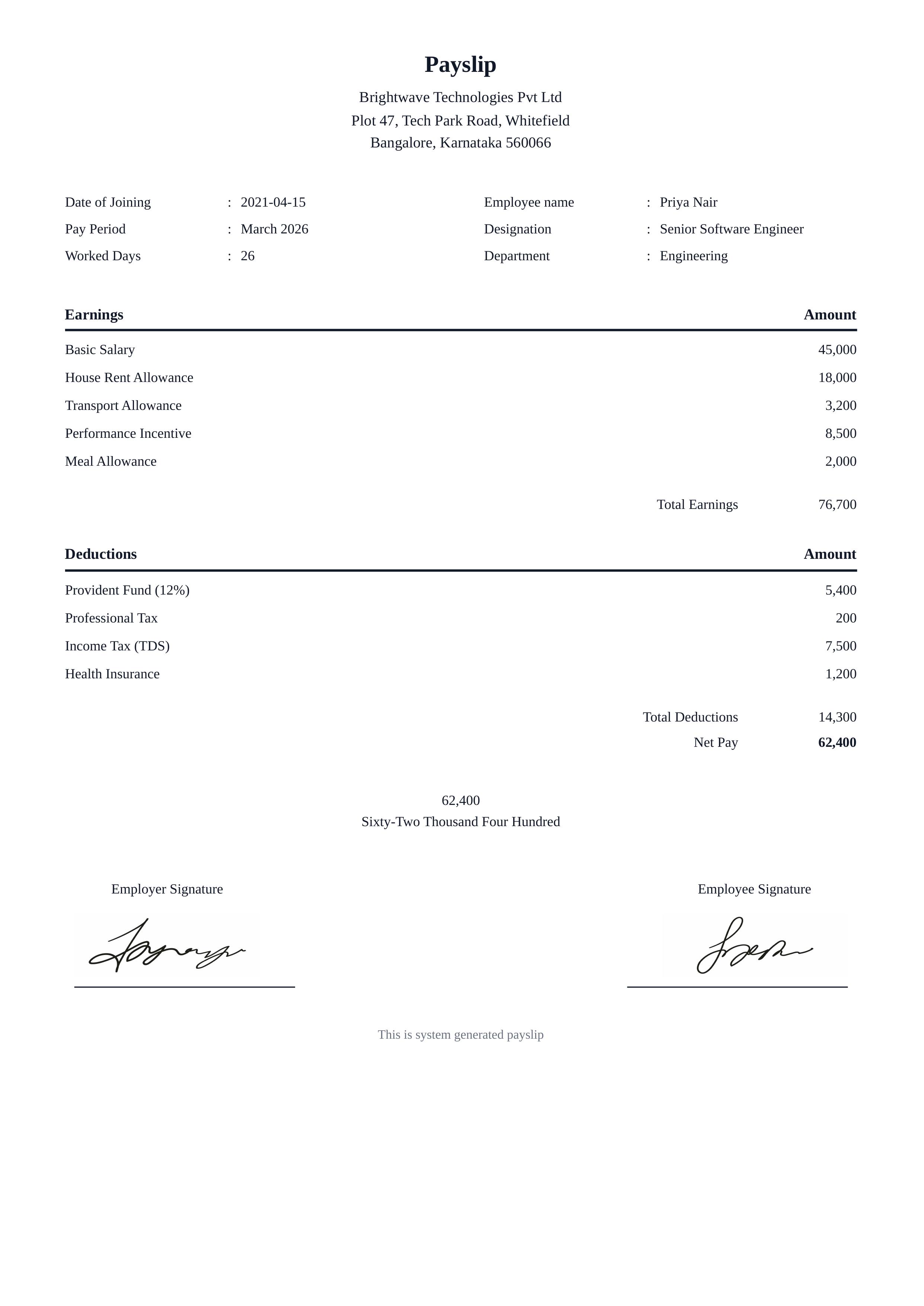
Chalk Summit Ledger
The Chalk Summit Ledger payslip template features a clean, minimal white design with a centered company header and structured sections. The top section displays the company name and address, followed by a two-column employee details grid showing joining date, pay period, worked days, employee name, designation, and department. Users can add unlimited earnings line items and deduction rows, each with description and amount columns. Total Earnings, Total Deductions, and Net Pay are displayed in a right-aligned summary. A net pay in words section sits below, followed by employer and employee signature image fields with signature lines. The minimal design works across industries — suitable for startups, SMEs, and corporate payroll departments in any country. Ideal for monthly salary slips, contractor invoices, and freelance pay statements. With the Docmiral editor, fill in all fields instantly, upload signature images, and export to PDF or PNG in seconds — no design experience needed.
Use This Template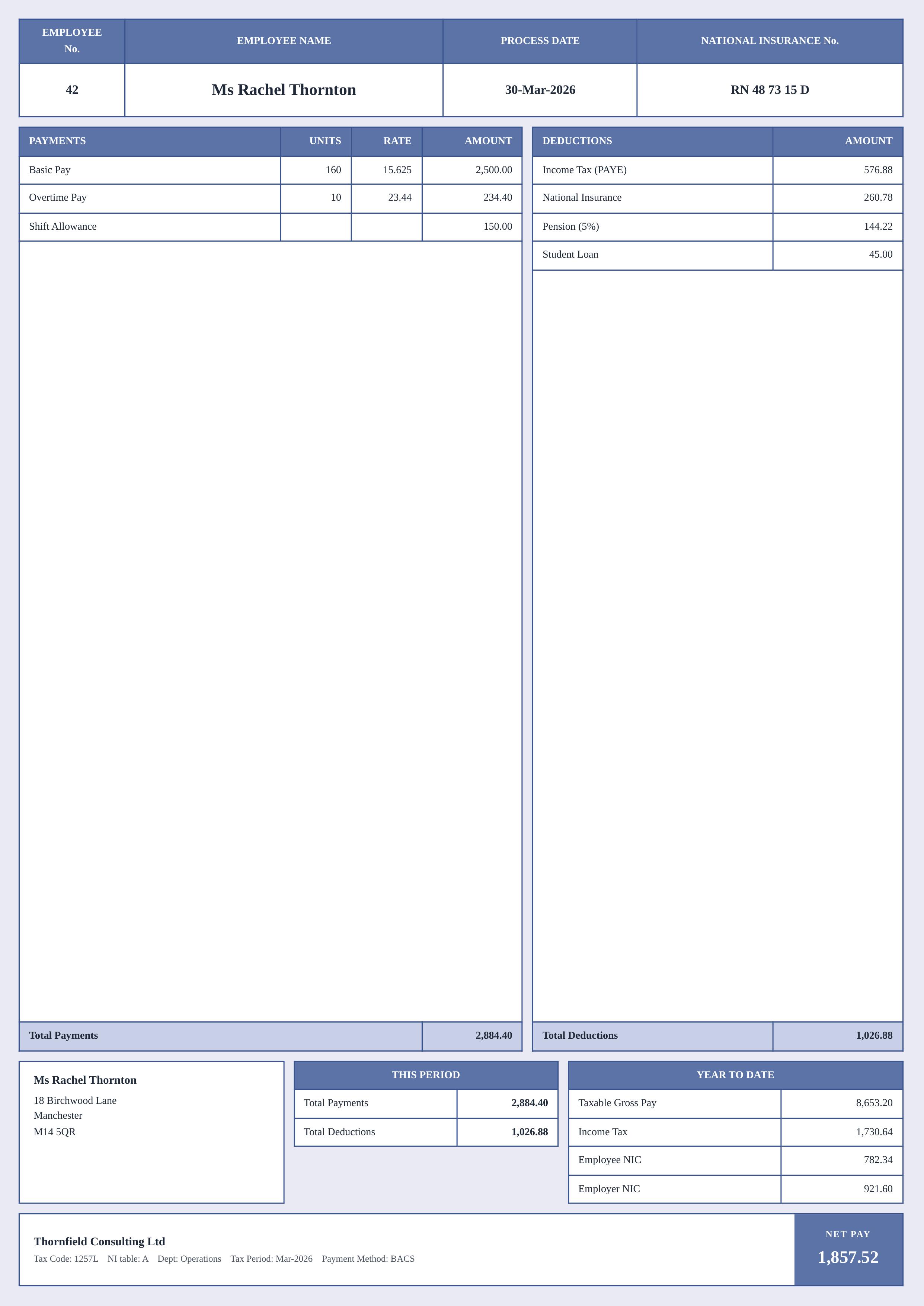
Iris Shore Ledger
The Iris Shore Ledger payslip template features a signature lavender-blue colour scheme with steel-blue bordered tables and a structured multi-section layout. The header displays employee number, name, process date, and national insurance number in a prominent grid. Users can list unlimited payment line items with units, rate, and amount columns alongside deduction items, all summarised into Total Payments and Total Deductions rows. The lower section shows the employee's address, a "This Period" summary, and a Year to Date breakdown including taxable gross pay, income tax, employee NIC, and employer NIC. A footer strip displays company details — tax code, NI table, department, tax period, and payment method — with a bold NET PAY callout box. Ideal for UK payroll processing, HR departments, and small business owners. With the Docmiral editor, fill in all fields instantly, customise to your company branding, and export to PDF or PNG — no design skills required.
Use This Template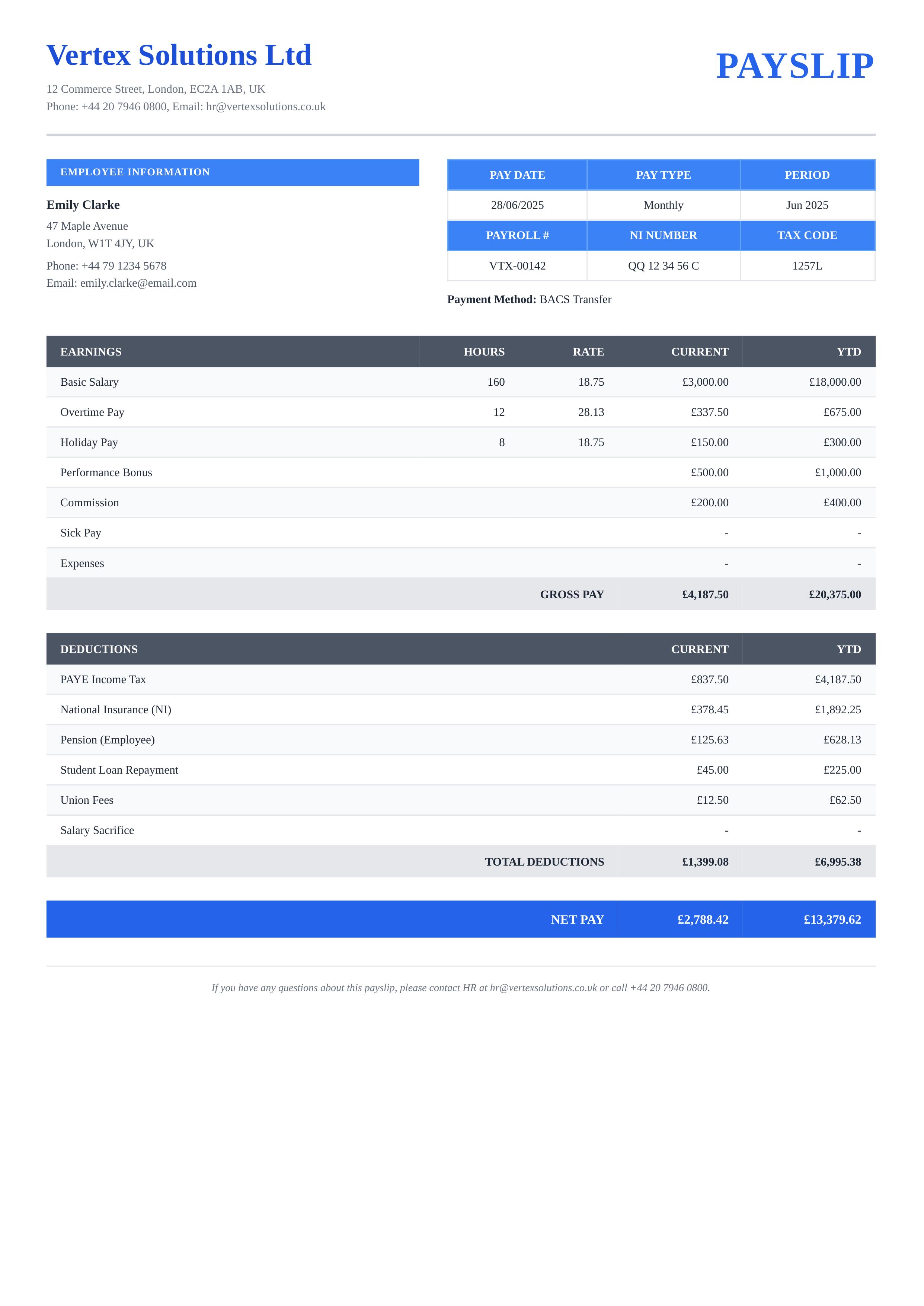
Steel Crest Ledger
The Steel Crest Ledger payslip template features a clean, corporate layout with steel-blue headers and structured tables. It includes a prominent company name and PAYSLIP title at the top, followed by an employee information section alongside a pay detail grid. Users can fully customize earnings rows with hours, rate, current period, and year-to-date values, as well as deduction line items. Key fields include employee name, address, pay date, pay type, payroll number, NI number, tax code, and payment method. Designed in a professional portrait A4 format with bold blue NET PAY row, gray table headers, and alternating row shading. Ideal for HR departments, small businesses, and freelance payroll management. With the Docmiral editor, you can effortlessly fill in all fields, customize colors, and export to PDF in seconds — no design skills needed.
Use This Template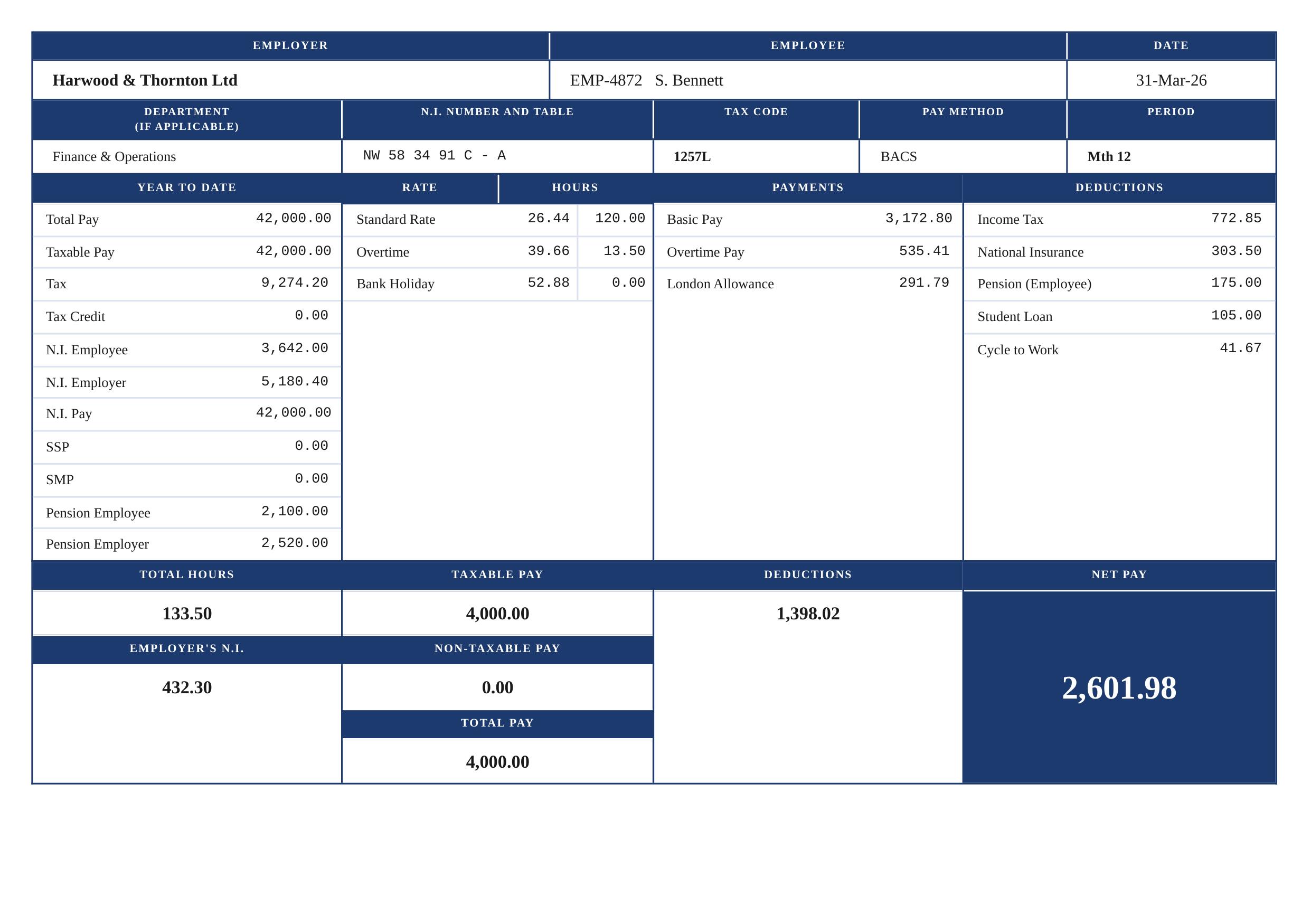
Azure Ledger Grid
The Azure Ledger payslip template features a structured, grid-based layout with a distinctive deep navy-blue header and clear sectional divisions for a clean, official appearance. It includes fields for employer details, employee identification, tax period, and a pay date — all presented in a compact, professional format. Users can fully customize the employer name, employee name and ID, department, National Insurance number, tax code, pay method, and period. The template supports dynamic lists for year-to-date figures, rate/hours breakdown, individual payment components, and detailed deduction line items. Visually, the Azure Ledger uses high-contrast navy and white cells to create a clear visual hierarchy. The net pay is highlighted prominently in the lower-right corner, making it instantly readable. Ideal for businesses, accountants, HR teams, and payroll software integrations. Using Docmiral's easy editor, you can populate all fields in minutes — no design skills required. Export to PDF or PNG for digital distribution or print-ready payslip delivery.
Use This Template