
The Cost of Repetitive Data Entry in Document Workflows
Anyone who has dealt with generating documents such as invoices, contracts, or reports understands the frustration of repeatedly typing the same customer or product information over and over. This repetitive data entry is not just tedious; it is a significant source of errors and wasted time. Professionals often spend hours re-entering details that should be readily accessible, slowing down the entire document creation process.
How Reusable Data Buckets Revolutionize Document Creation in 2026
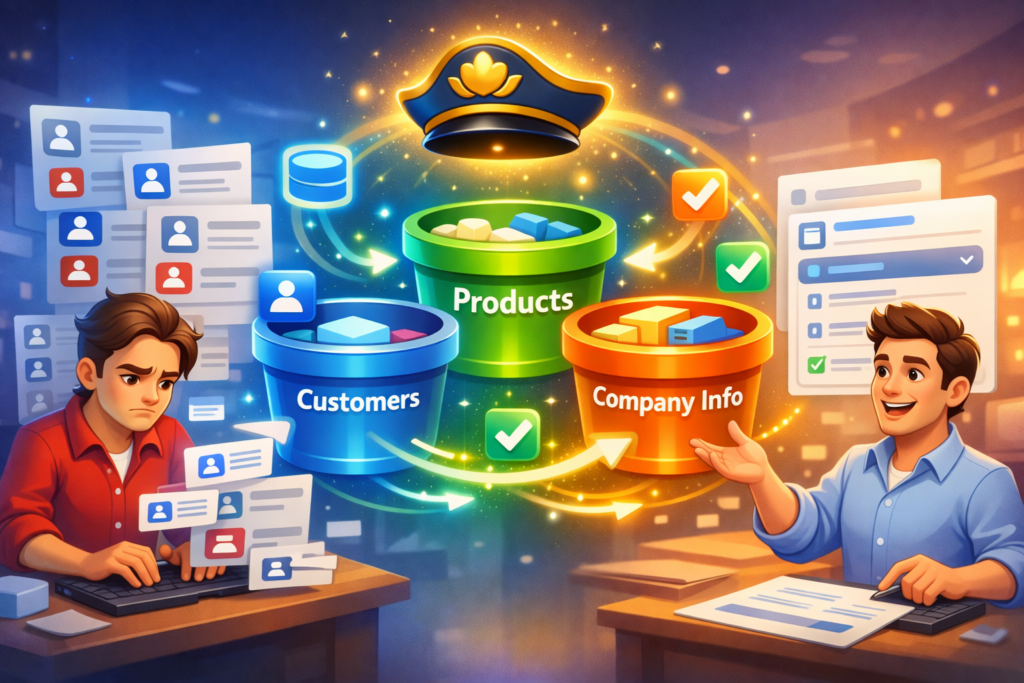
The year 2026 brings solutions that leverage agentic and reusable data systems to eliminate this redundancy. At the forefront of this innovation is DocMiral’s Buckets. These are named, reusable data stores that hold essential information—such as customers, products, and company details—that can be accessed across templates and document types.
Introducing DocMiral Buckets: Your Data, Smarter and Always Ready
DocMiral Buckets enable template creators and document users to store structured data separately from templates. This means once a customer’s information is stored in a bucket, it can be auto-filled into any document template without repeatedly typing or manual lookups.
Creating Named Data Stores
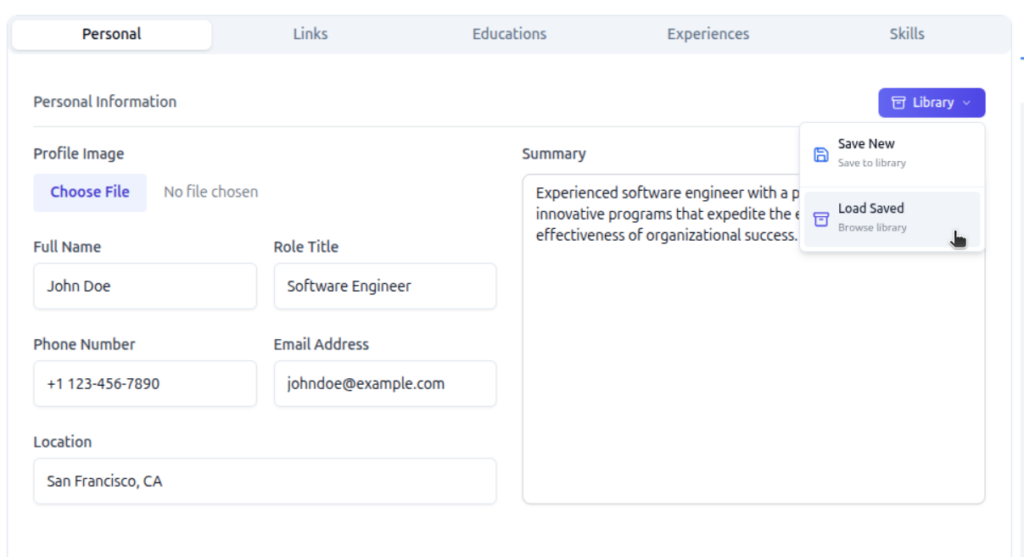
Buckets are organized by types such as customers, products, and company info. You can create and manage these buckets from your profile or on each section in document builder (library button), defining the fields relevant to each data set such as name, address, contact details for customers, or SKU, price for products.
Autocomplete and Intelligent Lookup in Document Forms
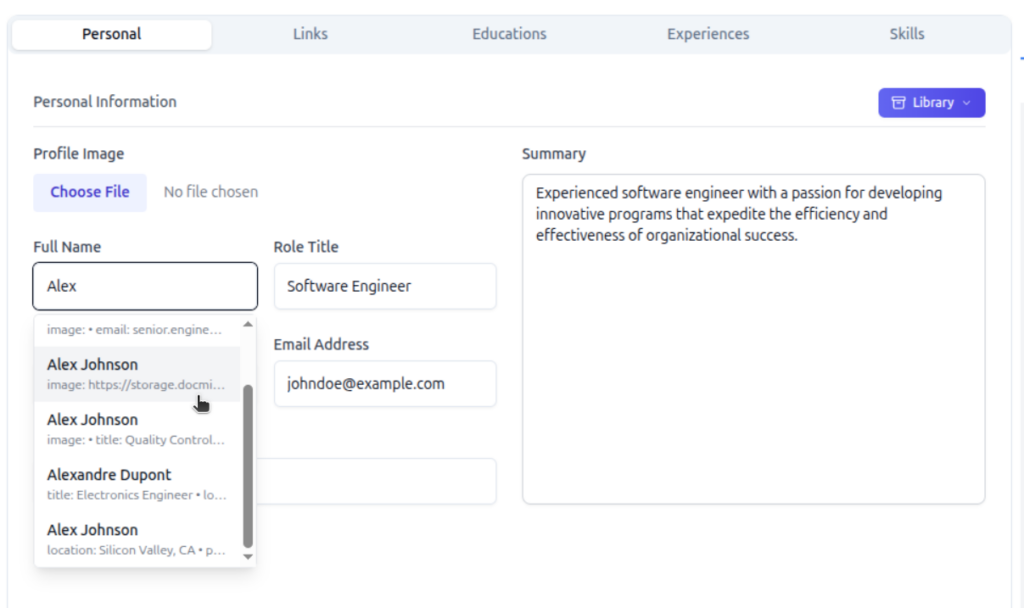
When filling in a document, DocMiral’s form UI offers intelligent autocomplete suggestions from these buckets. Start typing a customer name, and the system suggests matches, populated with all corresponding information fetched automatically. This is powered by TARS AI lookup integration, which intelligently retrieves and populates fields based on context.
Saving Document Data Back to Buckets
As you generate documents, any new or updated customer or product data entered can be saved back to the appropriate bucket. This creates a continuous feedback loop ensuring your reusable data buckets stay current and synchronized with your workflow.
Workflow in Action: Build Once, Reuse Everywhere
Imagine building an invoice for your customer once and saving that customer’s data in a bucket. The next time you create any document involving that customer, all information auto-fills instantly, eliminating repetitive input.
This streamlined approach can save you 15+ hours per week in document generation alone, freeing time for higher-value work and reducing error risks.
Getting Started: Create Your First Bucket Today
Ready to stop re-typing customer info and embrace the future of document automation? Define your data fields, add your entries, and watch the magic of seamless reuse across templates and workflows.
Say goodbye to repetitive typing, and hello to smarter document workflows in 2026.
Leave a Reply